

Introduction

WordPress is a free, open-source content management system (CMS) used to create and manage websites without needing to write code. Powering over 43% of all websites, it utilizes themes for design and plugins for functionality to build blogs, e-commerce stores, and professional websites.
A WordPress plugin is a piece of software containing a group of functions that can be installed to add new features or extend existing functionality of a WordPress website. Plugins are essentially “apps” for your website, allowing customization without needing to write complex code.
Top 10 WordPress plugins available in 2026 are as follows
1) ELEMENTOR
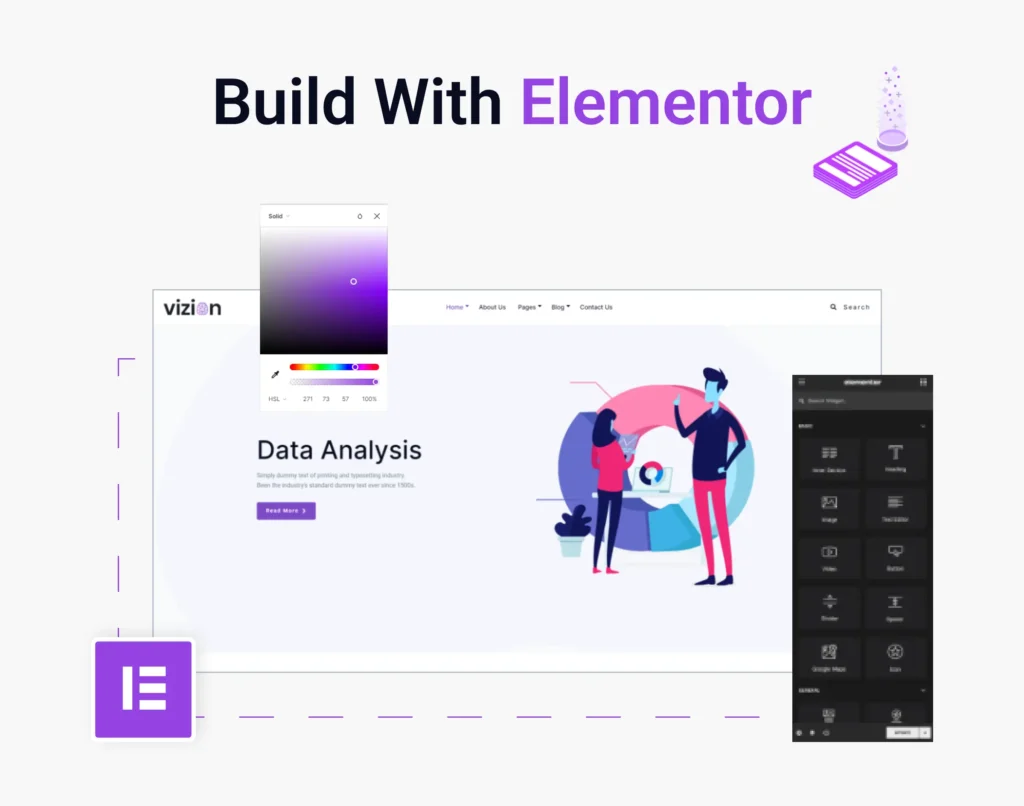
Elementor is a popular WordPress plugin that acts as a visual, drag & drop website builder, allowing users to create professional, custom websites without writing any code, making web design accessible for everyone from beginners to developers.
Key Features
🎨 Drag-and-Drop Editor – Easily design pages by dragging elements.
📱 Responsive Design – Automatically adjust designs for mobile, tablet, and desktop.
🧩 Widgets – Add buttons, images, forms, headings, videos, and more.
🎯 Templates – Ready-made page templates you can customize.
⚡ Fast Website Building – Build pages quickly without coding.
Elementor helps you:
Create landing pages for ads
Design portfolio websites
Build sales pages and funnels
10+ Million Active Installations
6,00,000+ Active Installations
2) Ninja Forms
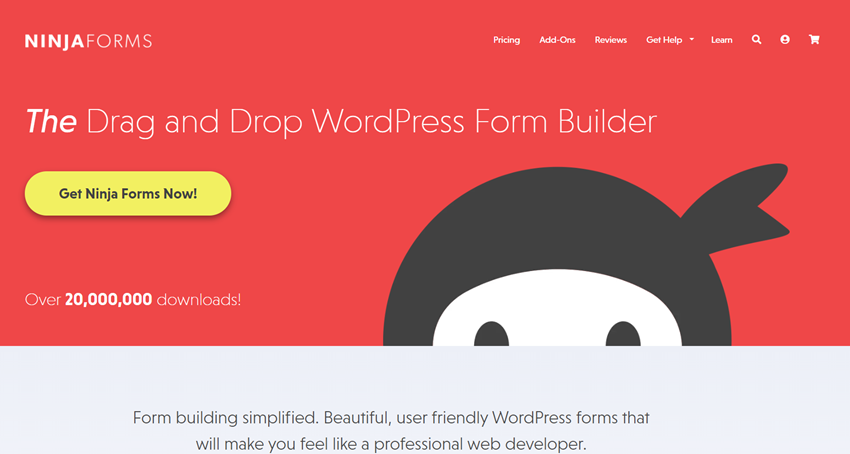
Ninja Form is the WordPress plugin used to build the forms. Here are some of the form building features
– 24+ FREE drag-and-drop form fields
– Calculations: assign values to fields and calculate totals
– Customize callbacks to WP action hooks on submit
– Spam Protection: full integration with Google reCAPTCHA
– Configurable form display settings
– Unlimited forms & submissions
– Form Templates
– Form Import / Export
– Shareable forms (share the form via link without it being attached to a page)
– Responsive and mobile friendly
– SEO friendly
3) ElementsKit
ElementsKit is a popular WordPress plugin addon for the Elementor page builder — designed to expand what you can build with Elementor by adding lots of extra design tools, widgets, templates, and layout features.
What ElementsKit Does?
Extra Elementor Widgets: Adds 90+ custom widgets that you can drag into your pages — things like navigation, posts layouts, pricing tables, social media feeds, forms styling, and more without coding.
Header & Footer Builder: Lets you design site headers and footers visually with Elementor — without code or theme restrictions.
Mega Menu Builder: Build advanced, multi-column mega menus that include images, widgets, icons, and custom content.
Templates Library: Comes with hundreds of pre-designed sections and full page templates you can import and customize.

2+ Million Active Installations
5+ Million Active Installation
4) All-in-One WP Migration and Backup
All-in-One WP Migration and Backup is a WordPress plugin that enables users to export, import, and back up entire WordPress websites with minimal technical effort.
⚙️ What It Does
All-in-One WP Migration makes site migration simple — even for beginners:
📦 Export your full site (files + database + media + plugins + themes), creating full Backup for your site.
🚚 Import into another WordPress installation to Clone or migrate the site.
🔄 Works with most hosting companies and server.
✔️ No coding or technical setup needed
🪶Drag-and-drop import interface
You can download or transfer your site with a few clicks.
5) HFCM :
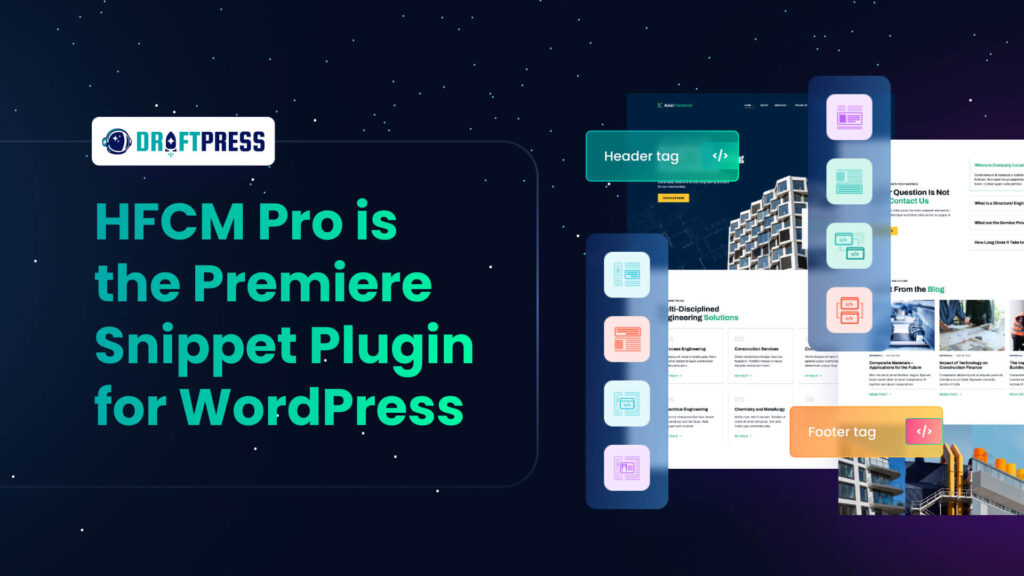
HFCM refers to the Header Footer Code Manager plugin — a popular tool for managing custom code snippets on your WordPress site.
🔧 What HFCM Does
With HFCM, you can:
✅ Create a custom header — design the top section of your site visually with Elementor
✅ Create a custom footer — design the bottom section of your site with Elementor
✅ Build custom blocks or sections — insert anywhere on your site
✅ Assign templates to specific pages or conditions — like only on the homepage, only on blog posts, etc.
✅Supports HTML, CSS, and JavaScript snippets.
6+Million Active Installations
10+Million Active Installations
6) tawk.to:
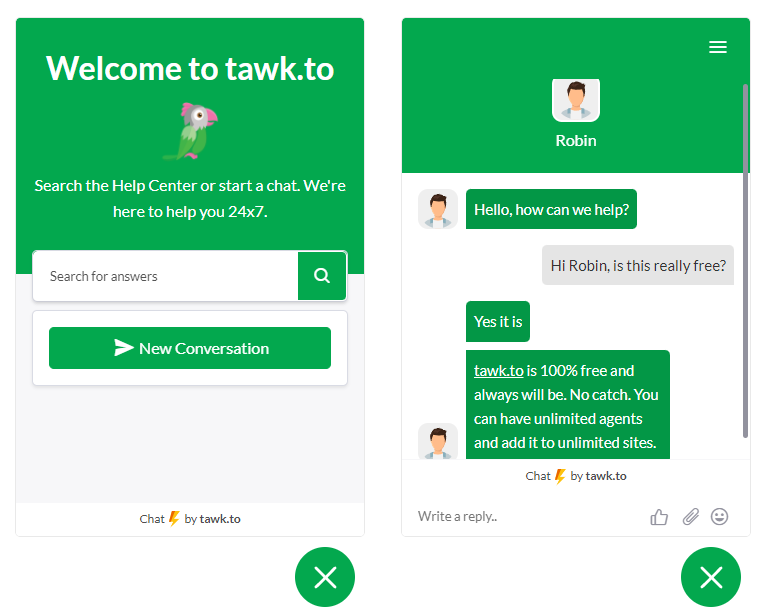
It is a free live chat and messaging plugin that lets you chat with visitors on your website in real time. It’s popular because it’s easy to install and works on most platforms.
What the tawk.to Plugin Does
💬 Live chat with website visitors
📊 Visitor tracking (see who is browsing)
🤖 Chat triggers & automated messages
📱 Mobile app support (iOS & Android)
🌍 Multi-language chat widget
7) Royal Elementor Addons
Royal Elementor Addons is a WordPress plugin, essentially a set of extra Elementor widgets, templates, and extensions that help you design custom pages and full websites without coding. It works with the Elementor plugin (free or Pro) and significantly extends its capabilities.
🧰Key Features :
✔ Extra Widgets (100++) – Add sliders, carousels, pricing tables, timelines, forms, menus, galleries, and more.
✔ Template Kits – Pre-built Elementor template kits you can insert with one click.
✔ Theme & WooCommerce Builders – Header, footer, archive pages, product pages, shop layouts, and dynamic content support.
✔ Dynamic Content Support – Use custom fields and dynamic tags to show personalized content.
✔ WooCommerce Integration – Product grids, sliders, add-to-cart, wishlist, and compare widgets.

10+ Million Active Installations

10+ Million Active Installations
Yoast SEO Traffic Light System
When writing content, Yoast shows colors:
🟢 Green – Good SEO
🟡 Orange – Needs improvement
🔴 Red – Poor SEO
This helps beginners understand how to improve their posts.
8) Yoast SEO
Yoast SEO is one of the most popular WordPress plugins used to improve website SEO (Search Engine Optimization). It helps your website rank higher on search engines like Google by giving suggestions to optimize your content.
What Yoast SEO Does
It helps you optimize your website content and technical SEO directly inside WordPress.
Key Features
🔎 SEO Analysis
Shows if your page is optimized for a focus keyword.
✍️ Readability Analysis
Checks if your content is easy to read.
📄 Meta Title & Description
Lets you edit how your page appears on Google.
📊 XML Sitemap
Automatically creates a sitemap for search engines.
🔗 Canonical URL
Prevents duplicate content issues.
📱 Social Media Preview
Shows how your page looks on Facebook and X (Twitter)
9)Akismet
Akismet Anti‑Spam is a popular WordPress plugin used to protect websites from spam, especially in blog comments and contact form submissions.
What Akismet Does
Akismet automatically filters spam comments and messages so they don’t appear on your website.
When someone submits a comment, Akismet checks it against a global database of spam and decides whether it is:
✅ Legitimate comment
🚫 Spam comment
Spam comments are moved to the Spam folder instead of showing on your website.
Key Features
🛡️ Automatic spam filtering
📊 Spam statistics dashboard
🔍 Comment status history
⚡ Works in the background (no manual work)
🔗 Integrates with contact forms and comment sections
.

6+ Million Active Installations
Why It Is Important
If you run a WordPress website, you may receive:
Fake comments
Links to spam websites
Bots posting unwanted messages
Akismet helps you keep your website clean and professional.
5+ Million Active Installations
Why It Is Useful
For beginners, Site Kit helps you:
Understand how many people visit your website
See which pages are popular
Discover keywords bringing traffic
Improve SEO and performance
10) Google Site Kit
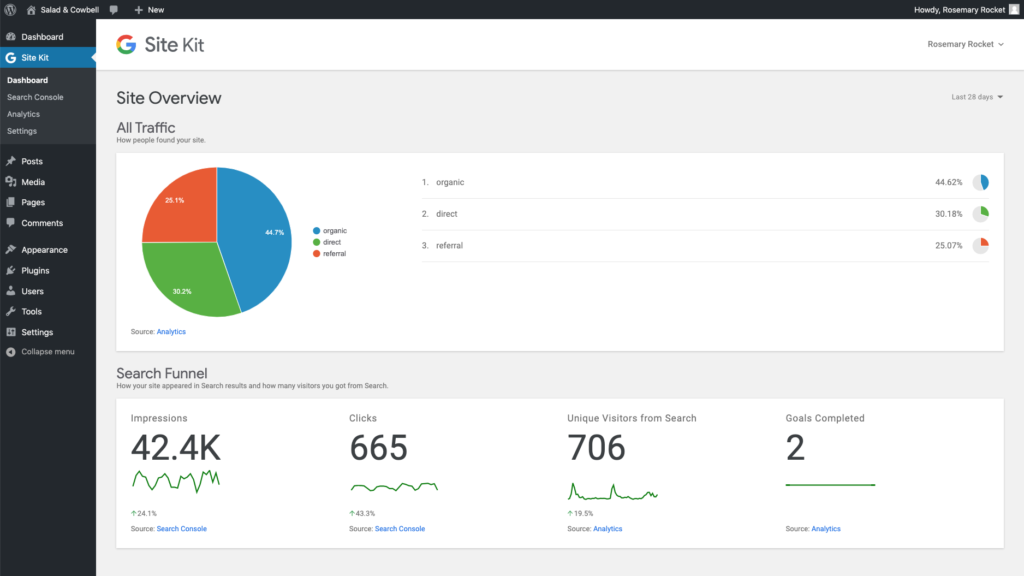
Google Site Kit is an official WordPress plugin created by Google that connects your website with important Google tools and shows their data directly inside your WordPress dashboard.
What Google Site Kit Does –
Google Site Kit helps you see your website’s performance without leaving WordPress. It connects your site with different Google services and displays reports.
Google Tools It Connects
Site Kit integrates with:
📊 Google Analytics – Track website visitors and traffic
🔍 Google Search Console – Monitor search performance and keywords
⚡ Google PageSpeed Insights – Check website speed
💰 Google AdSense – Track ad earnings
🏷️ Google Tag Manager – Manage tracking codes
Key Features
✅ Easy setup in WordPress
✅ Shows traffic data in the dashboard
✅ Displays top-performing pages
✅ Shows search queries people use to find your site
✅ Monitors website speed
Conclusion:
WordPress plugins help make a website more powerful, functional, and easy to manage. From improving SEO with Yoast SEO to protecting your site from spam using Akismet Anti-Spam and tracking website performance through Site Kit by Google, the right plugins can greatly improve your website.
Choosing the right plugins helps beginners build professional websites without coding. Start with essential plugins and add more based on your website needs.